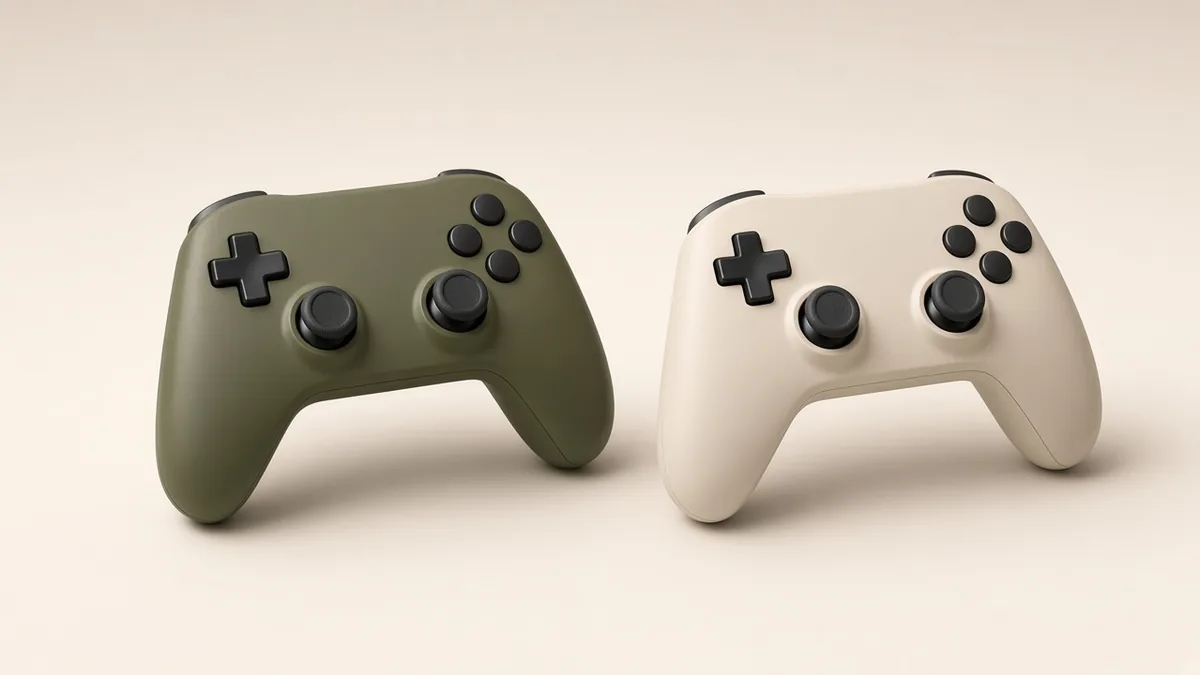
A good trailer can make almost anything look like your next favorite game. A store page is where you can slow down and check whether the details fit. You are looking for a clear picture of what you are getting, not a reason to talk yourself into the purchase.
Separate the game from the edition
Check whether you are looking at a base game, an expansion, a bundle, or an edition with optional extras. Some add-ons require a separate purchase of the base game. Compare the included content rather than the edition names alone. If you already own part of a bundle, read how the store handles that overlap.
Check your way of playing
Look for single-player support, online requirements, supported languages, controller compatibility, and accessibility information. For multiplayer, verify player count, platform support, and any account requirements. Do not assume that a feature on one platform is available on every other version.
Understand the practical requirements
On a computer, compare the stated hardware and operating-system requirements with your own setup. Check storage needs and the listed release status. Requirements and available features can change, especially for games in active development, so use the current official listing and support information.
Know the store’s purchase terms
Before buying, read the current store rules for refunds, subscriptions, and recurring charges where relevant. These differ by platform and region. Look for ordinary gameplay footage alongside the promotional material, then decide whether the everyday experience looks like something you want to spend time with.
Take this into your next session.
- Confirm the exact edition.
- Verify the features you need.
- Read current system requirements.
- Check the store’s own purchase terms.