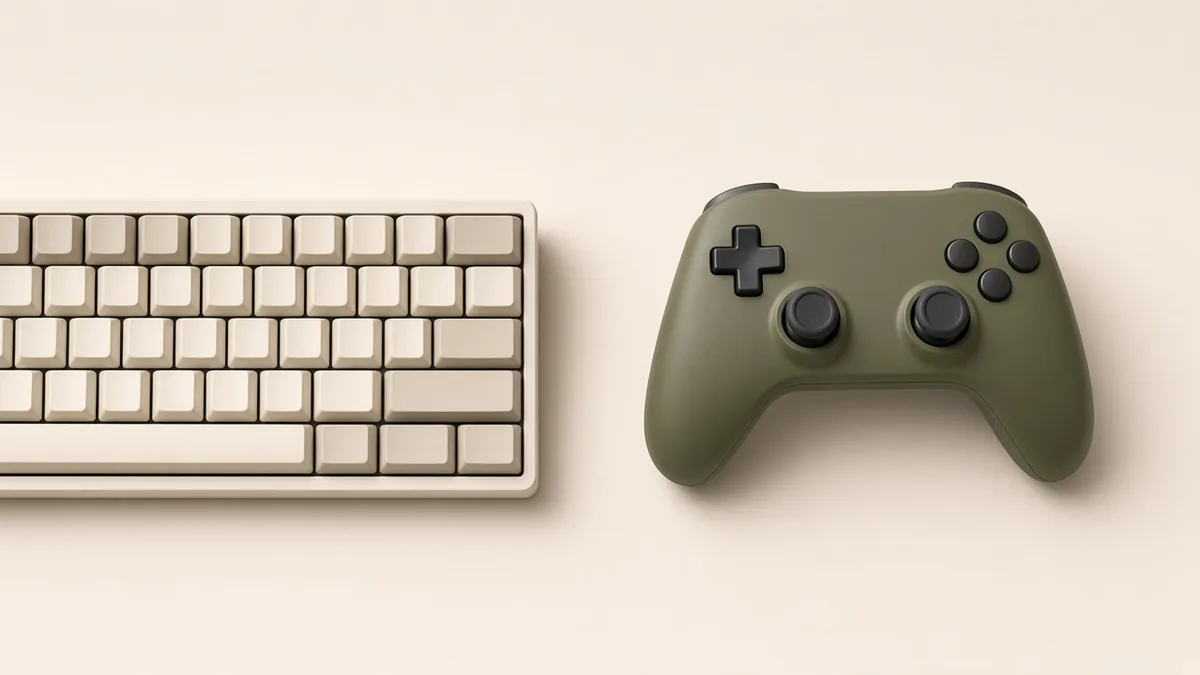
There is no single input method that wins every game for every player. A controller and a keyboard-and-mouse setup offer different ways to interact. The better question is which one suits the actions you will repeat, the support a game provides, and the way you like to play.
Think about the repeated actions
A game that asks you to navigate many menus or point at small objects may suit a mouse. A game built around movement and a compact set of actions may feel natural on a controller. These are starting points, not rules. Watch what a game asks you to do most often and imagine doing it for a full session.
Check the game’s actual support
Controller compatibility, button prompts, remapping, vibration, and mixed-input behavior vary between games. Confirm support on the current official store or support page. On a computer, connecting a controller does not guarantee that every game will recognize it in the same way. Good native support can matter more than a preference in the abstract.
Try a familiar section both ways
If you have access to both options, compare them in the same low-pressure section. Give each a fair chance after adjusting basic settings. Notice whether movement, menus, camera control, and repeated actions feel predictable. A short experiment in the game you play is more useful than an argument about what everyone should use.
Keep the choice flexible
You can use different controls for different games, or switch when your needs change. Remapping and accessibility options may matter more than the physical device. Choose what makes the interaction comfortable and understandable, and let other people make a different choice.
Take this into your next session.
- Focus on the game’s common actions.
- Verify supported devices and features.
- Compare the same section both ways.
- Keep personal preference personal.